






WordPress Malware Removal Hacked Website Recovery Across Australia

Has your WordPress website been hacked, infected with malware or started redirecting visitors to suspicious websites?

A compromised website can disrupt your business, damage customer trust and put sensitive information at risk. Whether your website is displaying security warnings, has been suspended by your hosting provider or is behaving unexpectedly, it is important to address the problem as soon as possible.

At NetStripes, we help Australian businesses identify and remove WordPress malware, recover hacked websites and improve website security to reduce the risk of future attacks.

Get expert assistance with your hacked WordPress website today.

This service is for WordPress websites only. Please don't send passwords through the form.

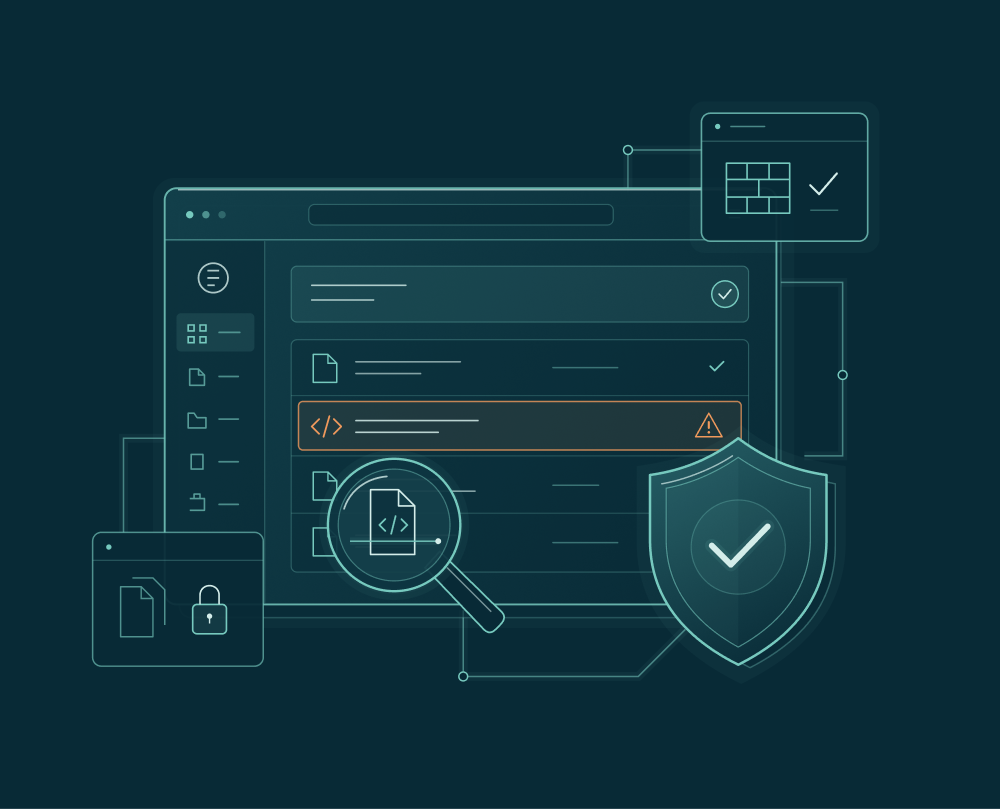
Illustration of a WordPress website being scanned and secured
Illustration only. Not a live security scan.

WordPress-only service

WordPress malware investigation and recovery

From investigating malicious code and restoring website functionality to strengthening your WordPress security, our experienced web development team can help you take the right steps towards recovery.

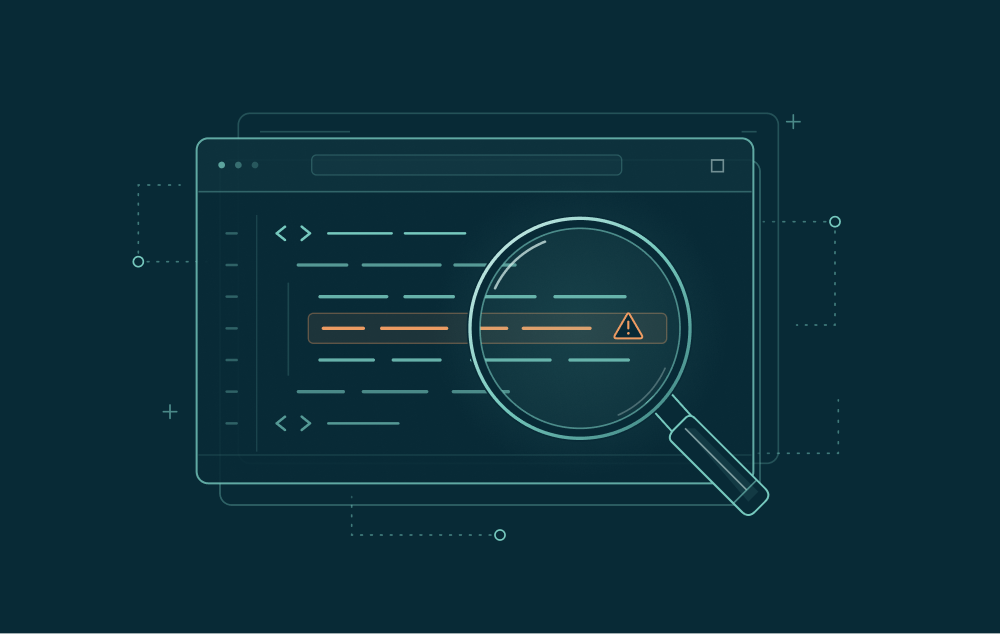
Illustration of code being inspected for malware
Illustration: inspecting code for malware.

Is Your WordPress Website Showing Signs of Being Hacked?

WordPress websites can become compromised through outdated plugins, vulnerable themes, stolen login credentials or other security weaknesses. Sometimes the signs are obvious. In other cases, malware can remain hidden while affecting your website’s performance, search visibility or visitors.

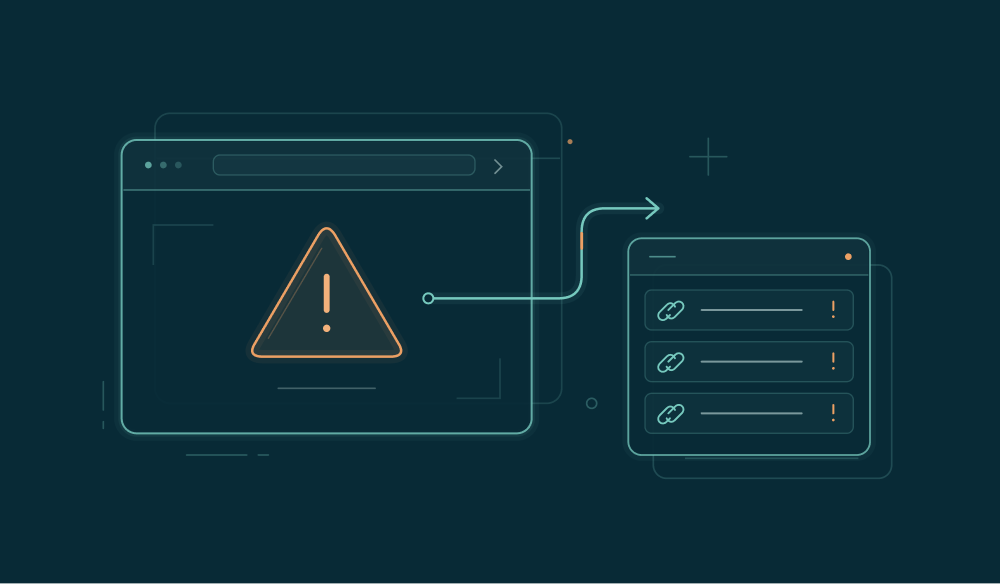
Illustration of a browser warning, a redirect and spam links
Illustration: warnings, redirects and spam links.
  • Your Website Redirects Visitors to Suspicious Websites

    Visitors are unexpectedly redirected to gambling websites, spam pages or unfamiliar domains instead of your actual website.

  • Google Displays a Security Warning

    Google Chrome or other browsers may display warnings such as “Deceptive Site Ahead” or “This Site May Harm Your Computer”, preventing visitors from accessing your website.

  • Your Hosting Provider Has Suspended Your Website

    Your hosting company may temporarily suspend your WordPress website after detecting malicious files, suspicious activity or security threats.

  • You Cannot Access Your WordPress Dashboard

    Your WordPress administrator account may have been compromised, your login credentials may no longer work, or unauthorised users may have gained access.

  • Unknown Pages or Spam Links Appear on Your Website

    Hackers may inject unwanted content, hidden links or spam pages into your WordPress website, potentially affecting its credibility and search engine visibility.

  • Your WordPress Website Keeps Getting Infected

    If malware returns after a previous cleanup, there may be hidden backdoors, vulnerable plugins or other unresolved security weaknesses.

  • Your Website Has Become Slow or Unresponsive

    Malicious scripts and unauthorised activity can consume server resources, causing unusual performance problems or website errors.

Our WordPress malware removal and website recovery services

NetStripes provides technical assistance for businesses dealing with hacked or malware-infected WordPress websites. Our approach goes beyond simply deleting suspicious files. We investigate the affected WordPress installation, identify security weaknesses where possible and work towards restoring a stable, secure website.

Service 1

Hacked WordPress Website Recovery

If your WordPress website has been hacked, we can investigate the issue and help restore its functionality. Whether the website has been defaced, redirected, taken offline or affected by unauthorised changes, our team will assess the damage and determine the most appropriate recovery approach.

  • Investigating signs of unauthorised access
  • Identifying compromised WordPress files and components
  • Addressing malicious redirects and unwanted website changes
  • Recovering affected website functionality
  • Checking important pages and website features after recovery

Our objective is to help you get your business website operating normally again while addressing the security issues identified during the investigation.
Service 2

WordPress Malware Detection & Removal

Malware can be hidden in WordPress files, plugins, themes and database records. Some infections are designed to remain undetected or reappear after an initial cleanup. NetStripes can investigate your WordPress installation for malicious code and suspicious activity.

  • Detecting malicious PHP files and scripts
  • Removing injected JavaScript and unwanted redirects
  • Investigating suspicious WordPress database entries
  • Identifying hidden spam links and malicious content
  • Checking for unauthorised file modifications
  • Investigating potential backdoors and reinfection mechanisms

We focus on removing confirmed malicious code while preserving legitimate website content and functionality wherever possible.

Service 3

WordPress Plugin & Theme Security Fixes

Outdated or vulnerable WordPress plugins and themes are common security risks. Following a malware infection, it is important to check whether any installed software may have contributed to the compromise.

  • Reviewing installed WordPress plugins and themes
  • Identifying outdated or potentially vulnerable components
  • Updating compatible plugins and themes
  • Replacing compromised files with clean versions
  • Removing unnecessary or unsupported plugins where approved
  • Checking website functionality following updates

We also review the website’s PHP compatibility and recommend appropriate updates when required.

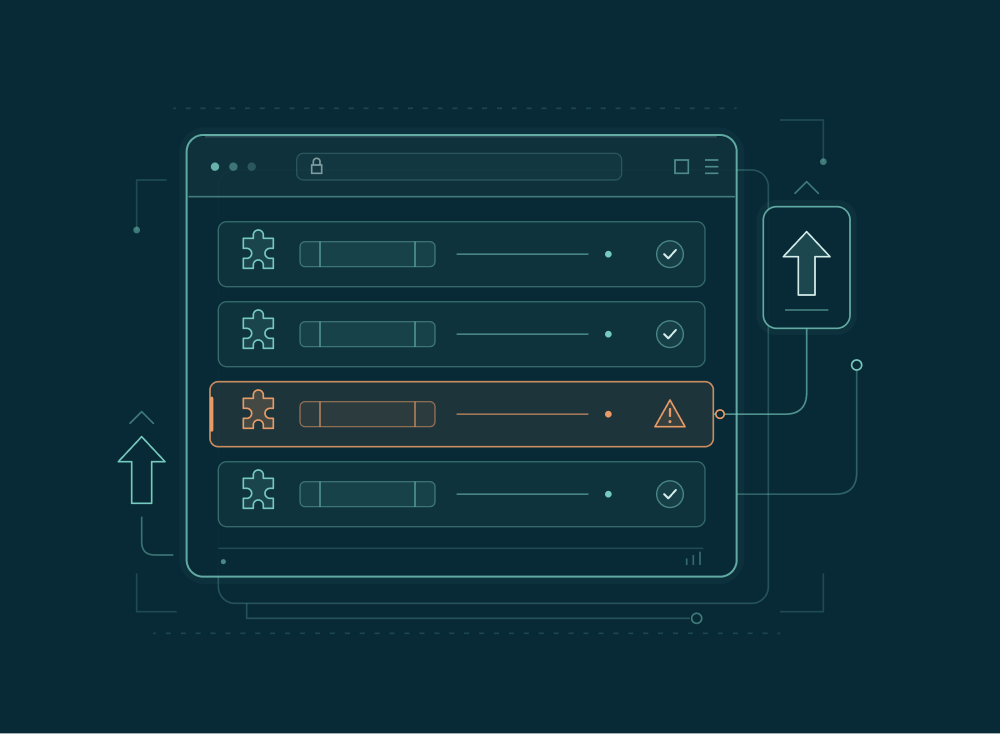
WordPress Plugin & Theme Security Fixes
Illustration: plugin and theme review.

Service 4

WordPress Backup & Website Restoration

In some cases, restoring a verified clean backup may be the safest and most efficient way to recover a compromised WordPress website. NetStripes can assist with evaluating available backups and restoring website files and databases where appropriate.

  • Reviewing available website backups
  • Identifying a suitable recovery point
  • Restoring WordPress files and database content
  • Checking for malware in restored website components
  • Testing the restored website
  • Addressing security issues that may have contributed to the original infection

Where possible, we aim to minimise unnecessary data loss and disruption during the restoration process.

WordPress Backup & Website Restoration
Illustration: backup recovery.

Service 5

WordPress Security Hardening

Removing malware is only part of the recovery process. It is also important to address security weaknesses that could leave your website vulnerable to another attack.

  • Reviewing WordPress administrator accounts and permissions
  • Removing unauthorised users
  • Strengthening WordPress login security
  • Recommending password and credential changes
  • Reviewing file and directory permissions
  • Configuring suitable WordPress security settings
  • Reviewing security plugins and firewall configurations
  • Updating WordPress core, plugins and themes

While no website can be guaranteed completely immune to cyberattacks, these measures can help reduce avoidable security risks.

WordPress Security Hardening
Illustration: access control and protection.

Service 6

Google Malware Warning & Blacklist Removal Assistance

If Google or a web browser has flagged your WordPress website as dangerous, visitors may see security warnings before accessing your pages. These warnings can affect customer confidence and reduce traffic to your website.

  • Investigating malicious content associated with the warning
  • Removing confirmed malware and suspicious redirects
  • Checking the website after cleanup
  • Assisting with Google Search Console security issue reviews
  • Requesting a Google Safe Browsing review where applicable

The removal of Google security warnings is subject to Google’s review process and cannot be guaranteed within a specific timeframe.

Google Malware Warning & Blacklist Removal Assistance
Illustration: browser warning. Google controls warning removal.

Service 7

WordPress Hosting Security Investigation

Some WordPress security problems extend beyond the WordPress dashboard. Malicious files, insecure configurations, compromised hosting credentials or suspicious server activity may require investigation through the website’s hosting account.

  • Inspecting suspicious website files through cPanel or hosting access
  • Reviewing relevant PHP configurations
  • Checking unexpected file modifications
  • Investigating suspicious scheduled tasks
  • Reviewing WordPress database access and configurations
  • Identifying possible hosting-related security weaknesses
  • Coordinating with the hosting provider when necessary

We can assist with WordPress websites hosted by NetStripes or other hosting providers, subject to the required access and technical limitations.

WordPress Hosting Security Investigation
Illustration: hosting and file investigation.

Service 8

Ongoing WordPress Security & Maintenance

Once your WordPress website has been cleaned and recovered, ongoing maintenance is important. Without regular updates, backups and security monitoring, WordPress websites may become exposed to newly discovered vulnerabilities.

Explore Our WordPress Security & Technical Support Plans
  • WordPress core updates
  • Plugin and theme updates
  • Scheduled website backups
  • Website security monitoring
  • Technical maintenance
  • Website support and troubleshooting

Our ongoing support plans are available separately from one-time malware cleanup services.

How our WordPress malware removal process works

We follow a structured approach to investigate, clean and recover compromised WordPress websites.

Start Your WordPress Website Recovery
01

Step 1: Initial Website Security Assessment

We begin by understanding the issues affecting your website. Our team reviews the reported symptoms, available website access and signs of compromise to determine the appropriate next steps.

02

Step 2: Malware Investigation & Containment

We inspect relevant WordPress files, database content, plugins and themes to identify suspicious activity. Where necessary, we recommend measures to limit further exposure while the website is being investigated.

03

Step 3: Malware Removal & Website Recovery

Once the problem has been assessed, we work on removing confirmed malicious code, repairing affected components and restoring website functionality. Where appropriate, we may recommend restoring a verified clean backup.

04

Step 4: WordPress Security Improvements

After cleanup, we review relevant security settings, access controls and software updates to address identified vulnerabilities and reduce the risk of reinfection.

05

Step 5: Website Testing & Verification

Before completing the recovery, we test important website functionality, including key pages, contact forms and redirects. We also check for remaining signs of the identified infection and provide recommendations for ongoing maintenance.

Why Choose NetStripes for WordPress Malware Removal?

Experienced WordPress Development Team

NetStripes works with WordPress websites across different industries, giving our team practical experience with WordPress installations, themes, plugins, databases and website troubleshooting.

Technical Investigation Beyond the WordPress Dashboard

Malware problems are not always visible within WordPress. Our experience with website hosting environments, including WHM and cPanel, allows us to investigate issues that may require access to website files, databases and hosting configurations.

Website Recovery and Security Improvements

We do not focus only on removing visible malware. Where possible, we also investigate potential entry points and recommend improvements that can help reduce the likelihood of the same problem recurring.

Assistance for Australian Businesses

NetStripes supports Australian businesses with website development, technical support and WordPress maintenance. We understand how disruptive a compromised website can be to enquiries, customer trust and day-to-day business operations.

One-Time Recovery and Ongoing Support Options

Whether you need assistance recovering a hacked WordPress website or ongoing technical support after cleanup, NetStripes can help you explore the appropriate solution.

Get a Quote for Your Hacked WordPress Website

Every WordPress malware infection is different. Some websites may require the removal of a small amount of malicious code, while others may need extensive investigation, database cleanup, file restoration or additional security work. For this reason, the cost of WordPress malware removal depends on the condition of the website and the work required.

  • The extent of the malware infection
  • Whether the website is accessible
  • The number of affected WordPress files and database records
  • Availability of clean backups
  • Hosting access and technical restrictions
  • The level of recovery and security work required

Contact NetStripes for an initial assessment and a quote tailored to your WordPress website.

Request a WordPress Malware Removal Quote

Protect your WordPress website after recovery

Recovering a hacked website is an important first step. Keeping your WordPress website updated and maintained can help reduce future security risks. NetStripes offers ongoing WordPress technical support through our website protection and maintenance plans. Whether you need regular plugin updates, website backups, security monitoring or technical assistance, our support plans are designed to help keep your website maintained.

View NetStripes Website Technical Support Plans

Frequently Asked Questions About WordPress Malware Removal

How do I know if my WordPress website has been hacked?

Common signs include unexpected redirects, Google security warnings, unfamiliar administrator accounts, suspicious pages, hosting suspension and unauthorised website changes. However, some malware infections have no obvious visible symptoms. A technical investigation may be required to confirm whether your WordPress website has been compromised.

Can you remove malware from my WordPress website?

NetStripes provides WordPress malware investigation and removal services. We assess the infection, identify confirmed malicious code and recommend an appropriate cleanup and recovery approach based on the website’s condition.

How long does WordPress malware removal take?

The time required depends on the severity of the infection, the availability of website access and whether backups or additional restoration work are needed. We can provide a more informed estimate after assessing your website.

Will I lose my website content during malware removal?

We aim to preserve legitimate website content wherever possible. However, some infections may require restoring an earlier backup or replacing compromised files. We assess potential data loss and recovery options before proceeding with changes that could affect website content.

Can you fix a WordPress website suspended by its hosting provider?

We can help investigate and clean a WordPress website that has been suspended due to malware. Restoring public access may also require approval from your hosting provider after the security issues have been addressed.

Can you remove the Google “Deceptive Site Ahead” warning?

We can assist with identifying and resolving the malware-related issues that may have caused the warning. Once the website has been cleaned, we can help request a review through the appropriate Google services. Google determines when the warning is removed.

Do you provide WordPress malware removal for websites hosted outside NetStripes?

Yes. We can assist with WordPress websites hosted by third-party providers, provided the necessary website and hosting access is available. Some server-level changes may need to be completed by your hosting provider.

Can my WordPress website get hacked again after malware removal?

Yes. No website is completely immune to future cyberattacks. However, addressing identified vulnerabilities, maintaining updated software, strengthening access controls and implementing ongoing security monitoring can help reduce the risk of another compromise.

Do I need to move my WordPress website to NetStripes hosting?

Not necessarily. We can investigate and recover WordPress websites hosted with other providers. If hosting-related security limitations are identified, we may recommend discussing improvements with your existing provider or considering alternative hosting arrangements.

Do you offer ongoing WordPress security support?

Yes. NetStripes offers ongoing website technical support plans that can include WordPress maintenance, updates, backups and security monitoring, depending on the selected plan. These services are separate from one-time malware cleanup unless otherwise specified.

WordPress Website Hacked? Don't Leave Your Business at Risk.

A hacked WordPress website can affect your business reputation, customer enquiries and website availability. Whether you are dealing with malware, suspicious redirects, Google security warnings or a suspended website, NetStripes can help you investigate the issue and work towards restoring your website.

Get in touch with our team to discuss your WordPress website recovery.

Request assistance

Never include passwords or login details here. If access is needed, we’ll arrange it securely and separately.

    Name

    Email

    Phone Number

    Website URL

    Description